
Without any configuration the Distribution point share will be placed on the drive with the most free space. When after a while of time there is more free space on another drive, new packages will be placed on that drive. Then a new Distribution point share will be created, and software packages will be on multiple drives. This is not very handy for manage your ConfigMgr 2007 environment.
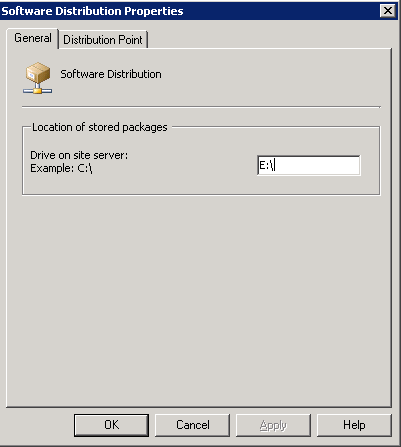
Create a new txt file on all drives where you don't want a Distribution point share, and name it "no_sms_on_drive.sms". That way you make the above setting mandatory for the default "Location of stored packages". Much better that way to decide where to put the packages!
In my environment it will looks like this:


No Distribution point share (and packages) will be placed on the D:\ drive!

The Distribution point share (and ALL packages) will be placed on the E:\ drive! Here will be the SMSPKG folder stored, and all packages will be on the same drive. All content folders are stored on the D:\ drive this way (beneath the SCCM folder).
Hope to helped you with this (easy) solution!
